Deliver more appointments with less effort
- 1
Direct calendar access and 1:1 booking tools waste time
- 2
Even after a good call, no-shows still happen
- 3
TeleCalendar solves both
- 4
Scale with less extra headcountScale more easily with less additional headcount
We set it up for you · 60-day money-back guarantee








Trusted by teams that take appointments seriously








.BimJz-7S_ZSOF8H.webp)
.DxHl8FLE_1hd7iF.webp)
.DBn8HR8V_Z2cojdg.webp)
Built around your current stack
- 1
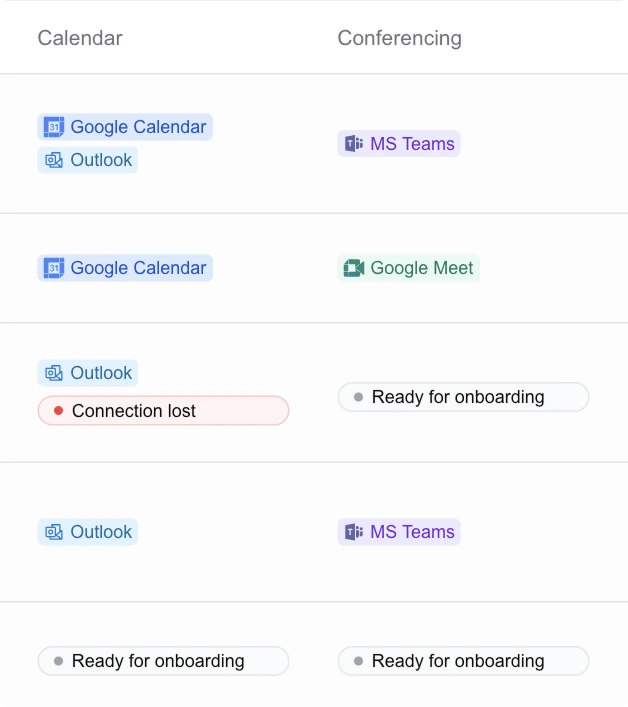
Connect calendars
See real-time availability across every calendar your team books into.





- 2
Book from your dialler or CRM
Embed the booking page with prospect details pre-filled.
Sophie Wilsonsophie@acme.comDial

- 3
Sync data back
Send appointments to your CRM, a client’s CRM, or both.

Calendar access, without surprises
Availability with or without locations
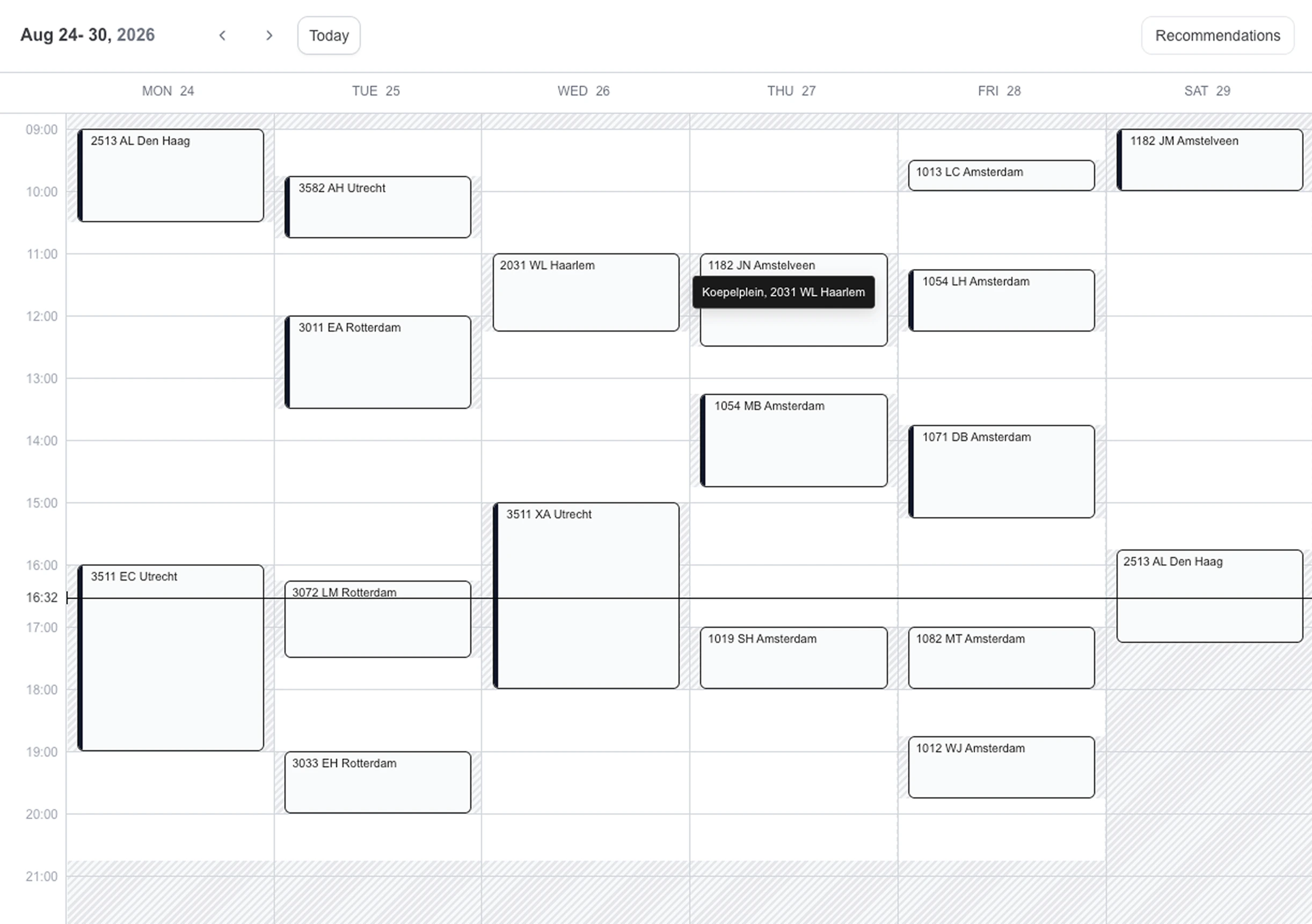
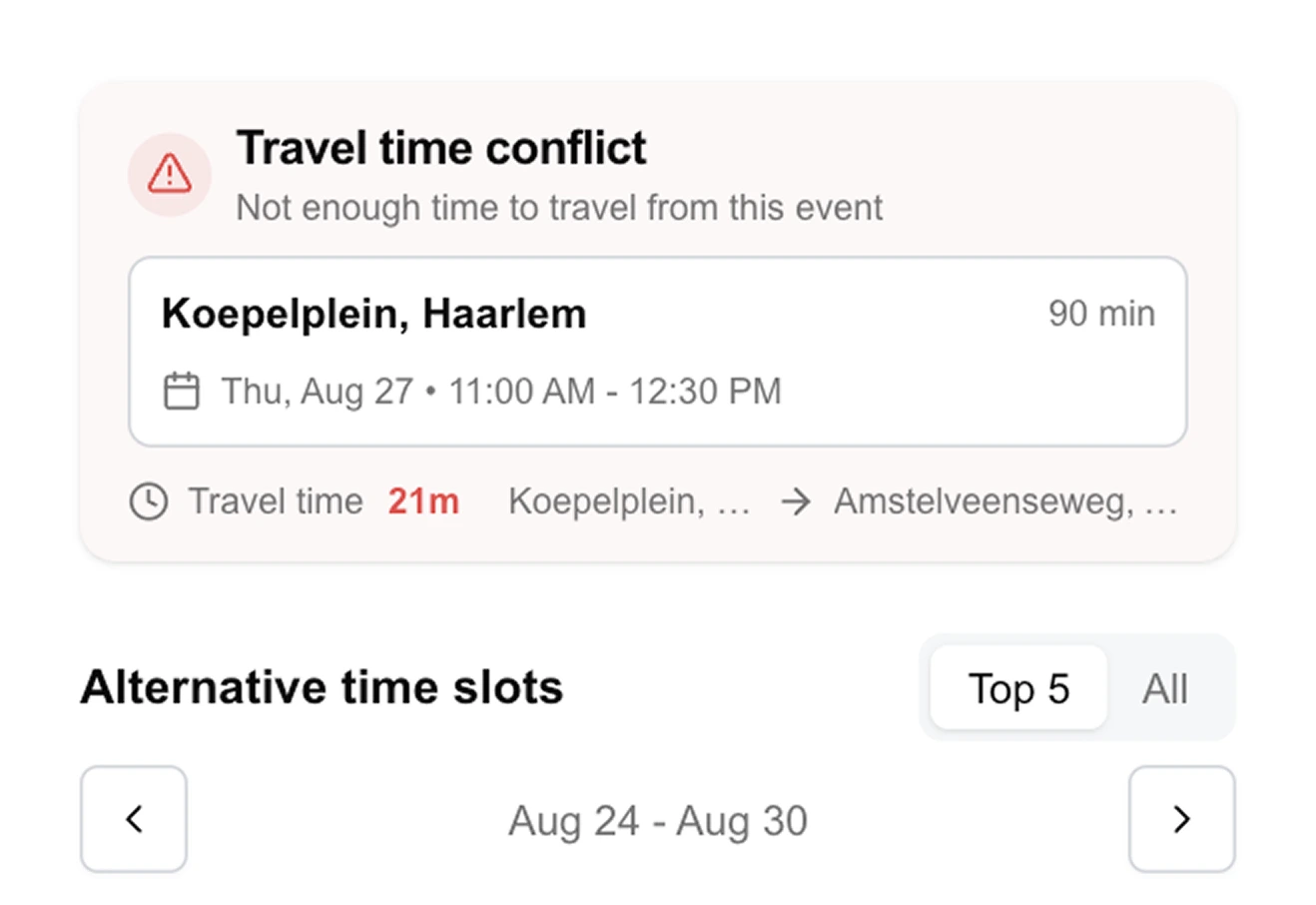
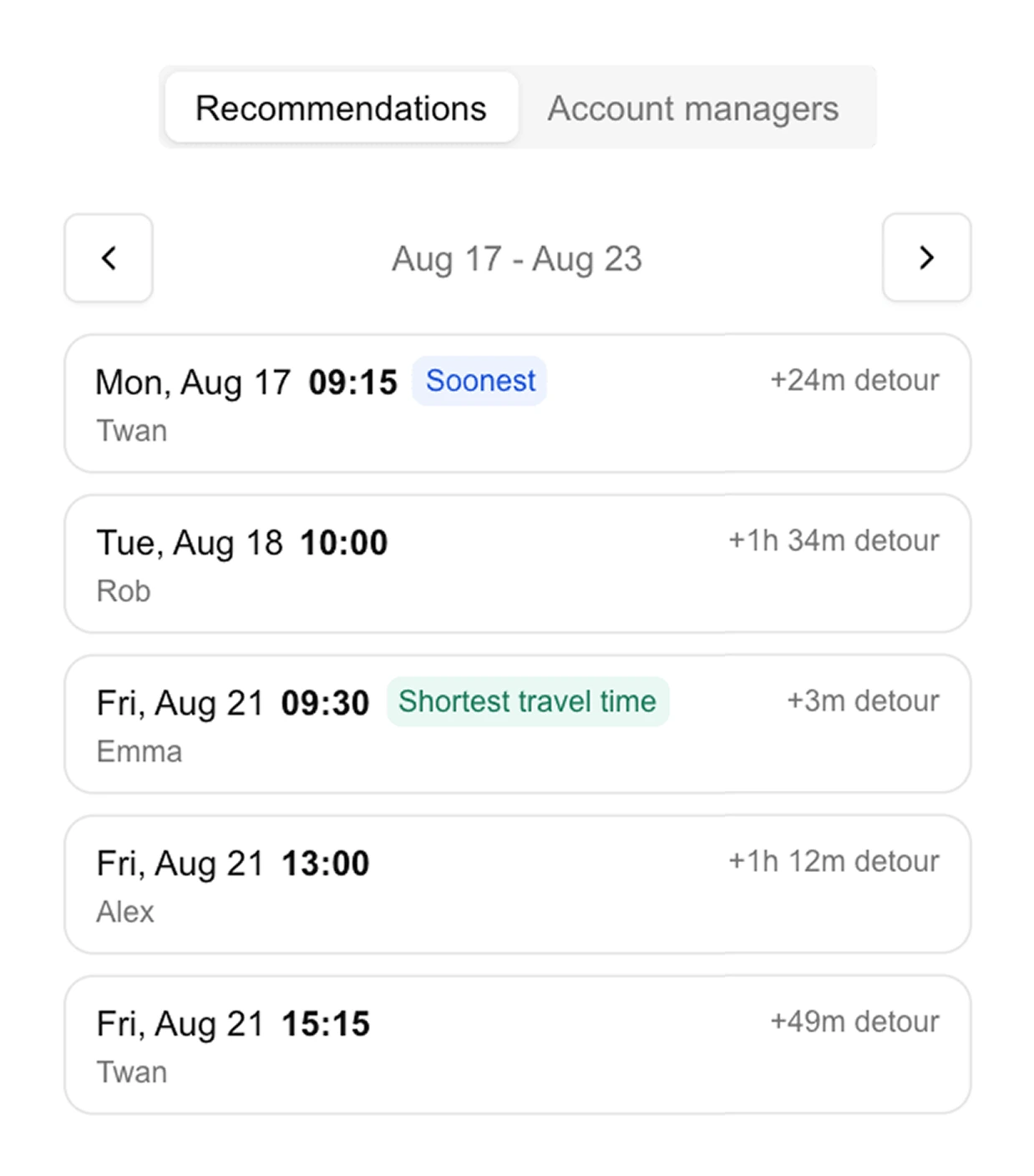
Connect availability only or include location access to enable travel time calculations and smart recommendations.
Admin approval when required
Some client setups require admin consent. We guide the process and work directly with their account managers or IT team when needed.
Alternative setup if needed
Schedule without direct calendar access. TeleCalendar verifies the selected time before confirming the appointment.
Turn scheduling data into growth insights
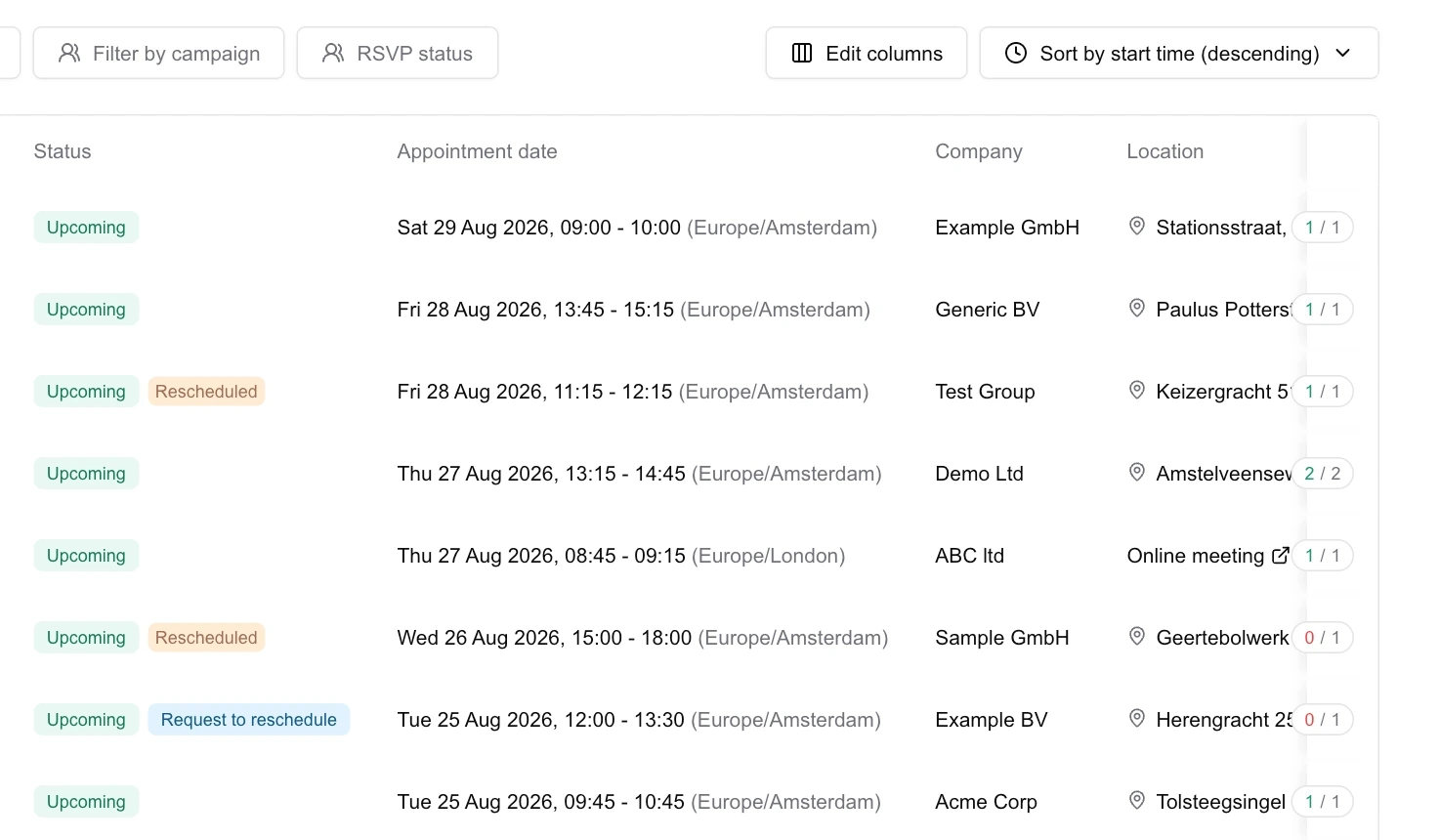
Keep your team and clients aligned on what’s booked, what changed and what needs attention. Let clients manage changes themselves without giving them access to your full workspace.
- Track all appointments and agent activity
- Give each client their own portal
- Share by link or embed it into an existing environment
Agencies on TeleCalendar
These guys are very involved, you can’t call Calendly.
All your appointments are within one platform. That’s where the big advantage is.
The biggest win for us has been time, for us and for the callers.
I get far fewer questions from the team about bookings.
The reminders cut no-shows to almost nothing.
It’s a missed opportunity if you don’t give yourself the chance to see what this could do for your business.
Frequently asked questions
Does it integrate with my client’s CRM?
Yes. TeleCalendar can send booked appointments and lead data to your CRM, your client’s CRM, or both.
Why do I need a demo before getting started?
TeleCalendar is set up around your existing booking process rather than taking a one-size-fits-all approach. During the demo, we look at your current process, way of working and any workflow requirements.
Because we offer a 60-day money-back guarantee, we take the time to understand how your team operates so we can optimise the booking process around your exact needs.
Is it a lot of work to set up?
No, we have a proven onboarding process where we go through your specific requirements together and set up an optimised template campaign for you.
For new clients, we can then duplicate the full optimised setup. Branding, show-up workflows and routing are set up automatically, and every detail can be adjusted to their specific requirements. We offer this done-for-you service at no extra cost, both during onboarding and when creating new campaigns afterwards.
Can my AI agent book appointments through TeleCalendar?
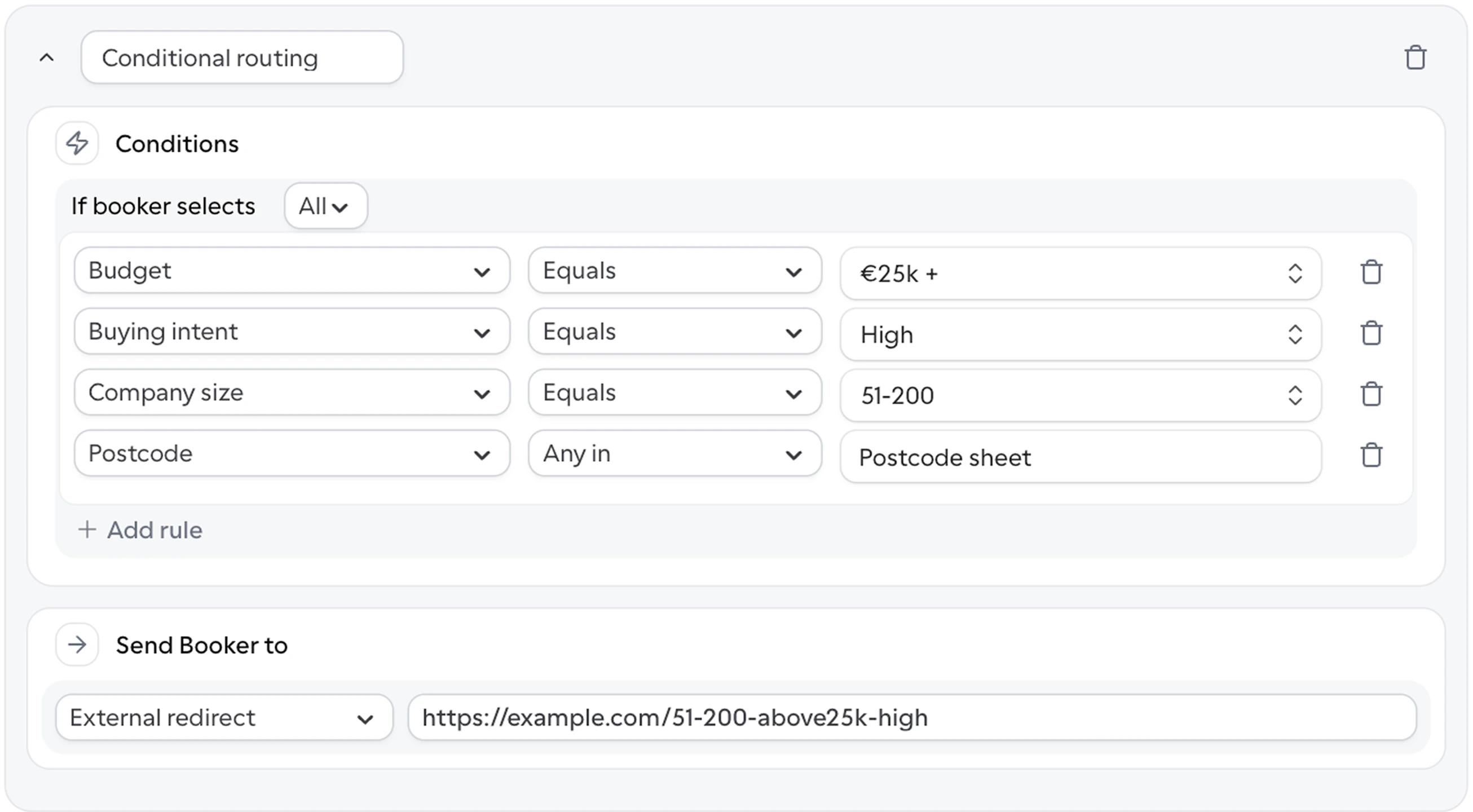
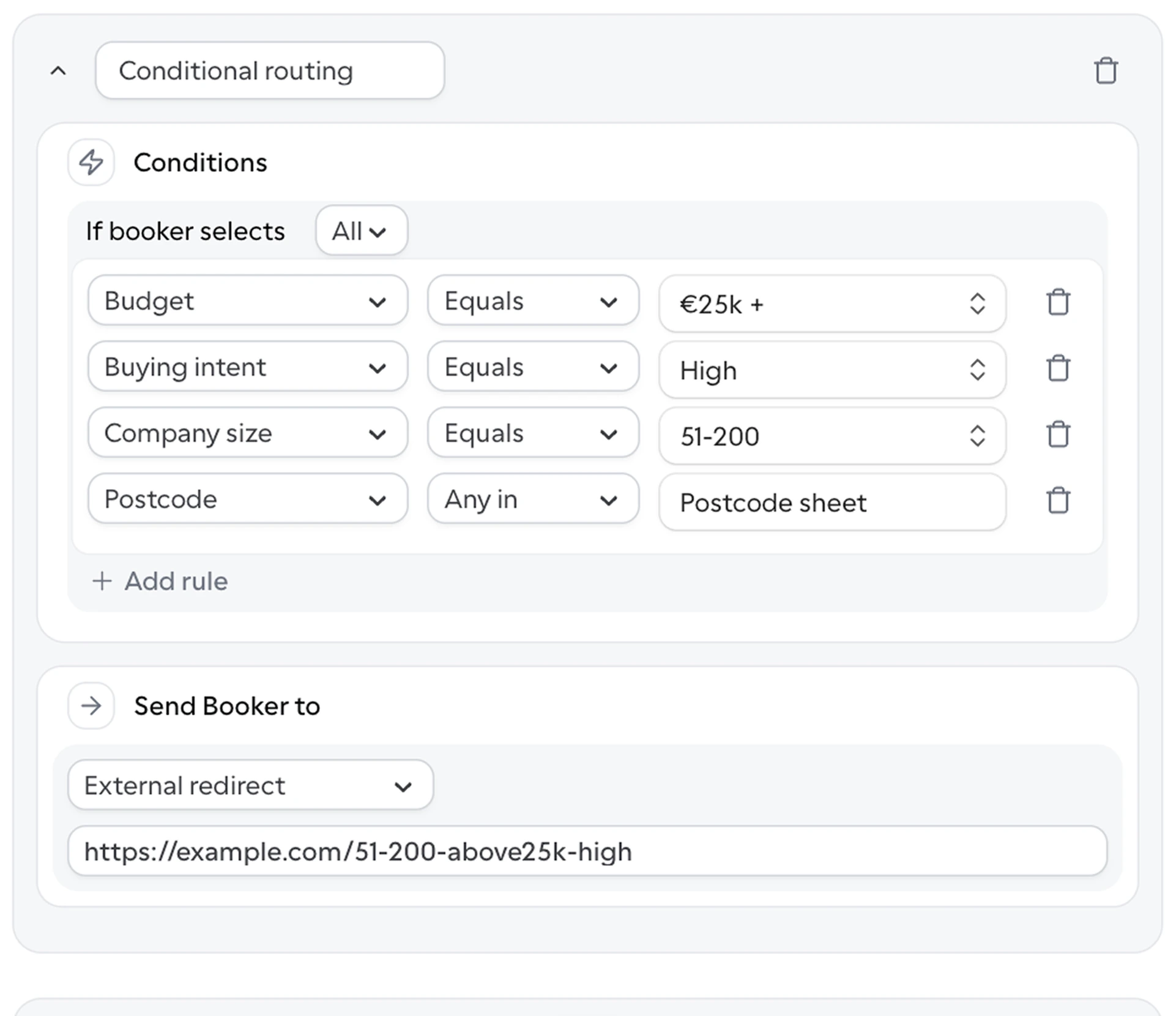
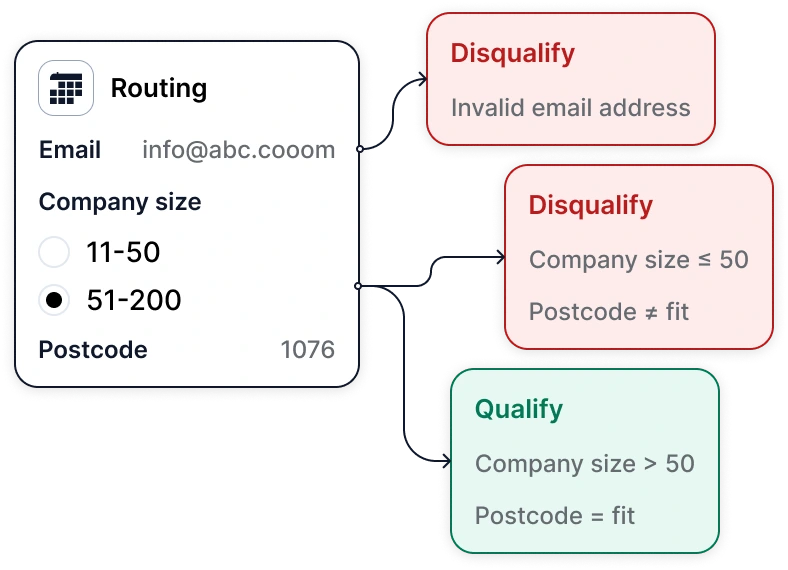
Yes, AI agents can book appointments through the TeleCalendar API using the same scheduling logic as your team, including round robin, postcode-based and other routing rules, travel time and smart recommendations.
This means your AI agent can suggest the best available times across an entire team, rather than offering suboptimal slots or checking availability and calculating travel times for each calendar individually.
Can each client have their own branding and messages?
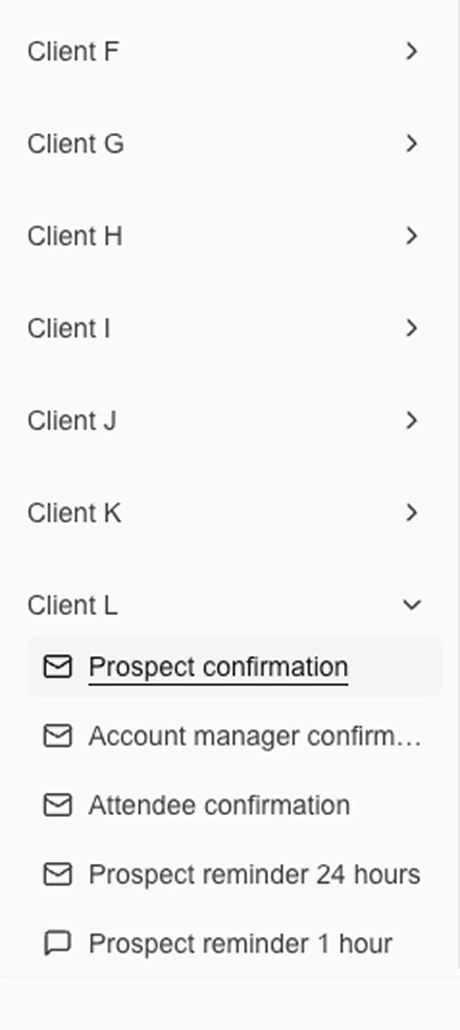
Yes, each client can have their own branding and message templates, including different messages for prospects and account managers. For example, the call report can be sent automatically to the account manager without ever being shown to the prospect.
You can also choose whether to include reschedule and cancel links in each individual message, and send information emails with brochures, videos, rates or other relevant material.
How do reminders via email, WhatsApp and SMS work?
Once an appointment is booked, TeleCalendar automatically sends confirmations, calendar invites and reminders (via email, SMS and WhatsApp). You can configure send times, frequency and content separately for each client.
Can I manage multiple clients under one account?
Yes, you can give each client their own portal, shared by link or embedded into an existing environment.
Each client has their own workspace with separate calendars, booking pages, message templates and routing rules, and you can switch between them without logging in and out.
Clients can optionally be given access to view appointments, reschedule them, request a reschedule from your team, mark appointments as no-shows, cancel them or reassign them, without getting access to your full TeleCalendar workspace.
Which languages does TeleCalendar support?
Software, booking pages and templates are currently available in 23 languages, with additional languages available on request:
English, German, French, Spanish, Italian, Dutch, Portuguese, Danish, Norwegian, Swedish, Finnish, Polish, Czech, Slovak, Hungarian, Romanian, Estonian, Greek, Bulgarian, Serbian, Ukrainian, Russian and Turkish.
Postcode routing is currently available in 42 countries, with additional countries available on request:
Albania, Austria, Belgium, Belarus, Bosnia and Herzegovina, Bulgaria, Croatia, Cyprus, Czechia, Denmark, Estonia, Finland, France, Germany, Greece, Hungary, Iceland, Ireland, Italy, Kosovo, Latvia, Lithuania, Luxembourg, Malta, Moldova, Montenegro, the Netherlands, North Macedonia, Norway, Poland, Portugal, Romania, Russia, Serbia, Slovakia, Slovenia, Spain, Sweden, Switzerland, Turkey, Ukraine and the United Kingdom.
See how TeleCalendar works for your team
We go through your booking process together, answer your questions and identify areas for improvement.